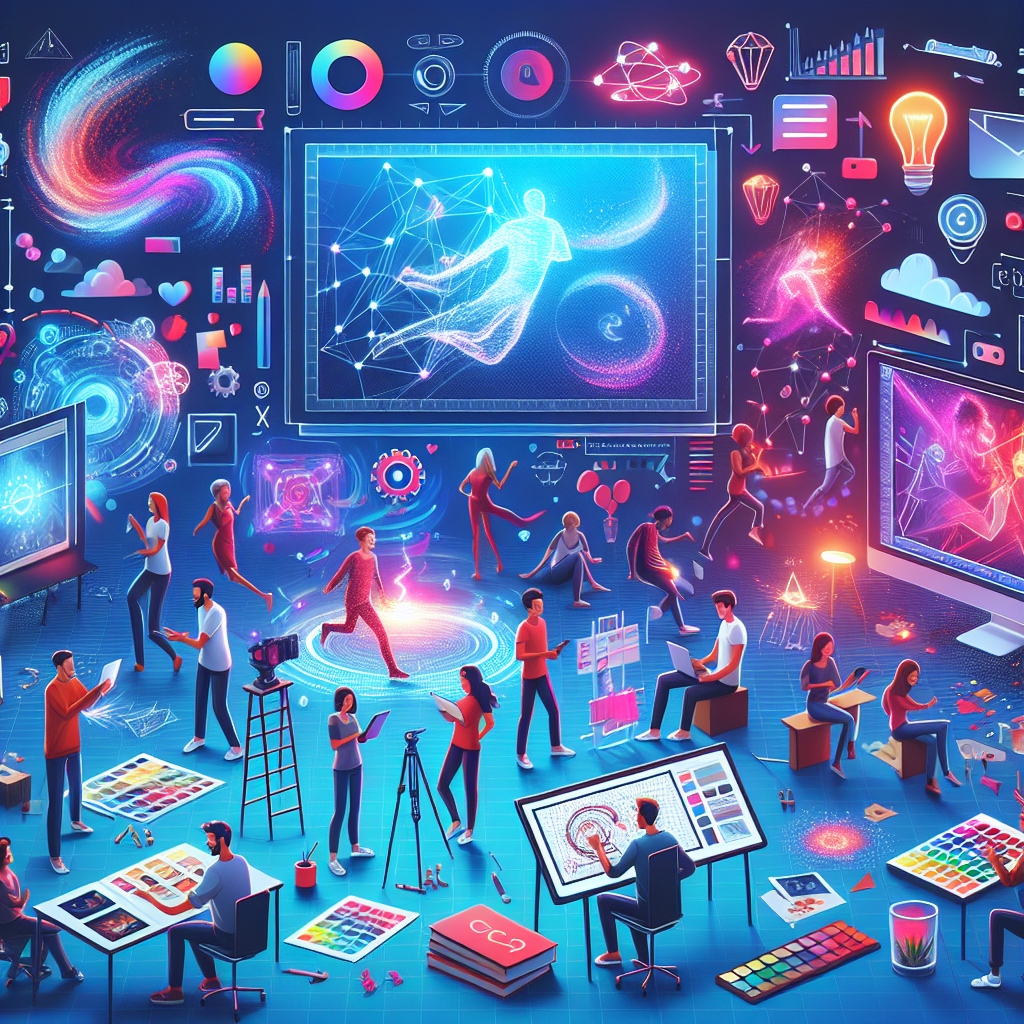
Welcome to the Ultimate Motion Graphics Tutorials Guide
Are you passionate about animation, eager to learn the latest design techniques, or seeking to master engaging visual storytelling? This comprehensive motion graphics tutorials guide has been crafted to empower both beginners and seasoned designers. Dive in as we unravel the art, technology, and creative process behind exceptional motion design.

What Are Motion Graphics?
Motion graphics are animated graphic elements that blend design and movement to convey information, evoke emotions, or enhance storytelling. They are widely used in video production, explainer videos, commercials, social media, title sequences, and even brand identity animations. Unlike traditional animation, motion graphics focus on abstract shapes, typography, and vector illustrations brought to life with smooth transitions and impactful timing.

- Infographics: Transforming static data into engaging visual stories.
- Ads & Social Content: Grabbing viewers’ attention in seconds.
- Branding: Breathing life into logos and visual elements.
Understanding the core concepts of motion design is the first step toward mastering this creative field.
Essential Design Principles
Every polished motion graphics project is rooted in strong design principles. Here are key concepts:
- Composition: Arrange elements for visual harmony and guide the audience’s eye.
- Color Theory: Use color palettes to establish mood and focus.
- Typography: Select fonts and animate text for maximal impact (kinetic typography).
- Hierarchy & Balance: Prioritize elements to communicate main ideas clearly.
- Timing & Rhythm: Synchronize movement for natural, fluid animation.
- Visual Consistency: Craft a coherent look for your brand or project.
Mastery of these fundamentals enables you to design stunning, professional motion graphics that resonate across media platforms.
Animation Techniques & Best Practices
The heart of motion graphics lies in dynamic animation. This guide covers essential animation techniques used in the industry:
- Keyframing: Define changes in position, shape, color, or opacity over time—ideal for beginners learning After Effects, Blender, or similar tools.
- Easing: Add acceleration and deceleration for realistic, satisfying movement.
- Transitions: Use wipes, fades, and morphs to keep your videos smooth and engaging.
- Looping Animations: Create repeating sequences for stunning web banners or social posts.
- Kinetic Text: Animate words to bring stories and advertisements to life.
- 3D Integration: Mix 2D graphics with 3D models for extra depth and sophistication.
Practice and experimentation with these approaches will help you discover your motion design style.

Creative Process in Motion Graphics
A successful motion design project relies on a balanced workflow. Here is a step-by-step creative process to follow:
- Brief & Inspiration: Start by identifying your project’s goals, target audience, and core message. Gather visual references and mood boards from successful animation examples.
- Storyboarding: Sketch out sequences and plan camera movements. This is crucial for clear communication and smooth production.
- Design Phase: Create assets—illustrations, typography, icons—while ensuring brand consistency and clarity.
- Animation: Bring visuals to life with keyframes, effects, and audio. Refine timing and pacing for natural flow.
- Sound Design: Add music or sound effects to enhance mood and engagement.
- Review & Revisions: Gather feedback, polish the visuals, and finalize the render.
Following this pipeline streamlines your projects and ensures high-quality results every time.
Popular Tools and Software for Motion Graphics
To create professional-level motion graphics, consider using industry-standard software:
- Adobe After Effects: The go-to for motion graphics animation and visual effects.
- Adobe Illustrator & Photoshop: For crafting vector and raster designs to animate.
- Blender: A free, open-source 3D suite for stunning visual projects.
- Cinema 4D: Industry-preferred for 3D motion design, modeling, and rendering.
- Figma & Canva: Beginner-friendly platforms for layout and simple social animations.
Explore different tools and discover which workflow suits you, whether focusing on 2D, 3D, or hybrid motion design styles.
Improving Your Motion Graphics Skills
The world of motion graphics is always evolving. Here are tried-and-true ways to keep advancing:
- Follow Trends: Stay updated on the latest design and animation styles such as liquid motion, morphing shapes, or animated typography.
- Practice Challenges: Participate in daily or weekly animation challenges to sharpen your creativity.
- Analyze Professional Work: Break down favorite videos to understand their structure and effects.
- Join Communities: Engage with motion graphics groups to share your work and gain valuable feedback.
- Focus on Storytelling: Strong narratives make your designs memorable, beyond just visual flair.
Consistent learning and experimentation will help you build a standout portfolio and unleash your creative potential.
Tips for a Professional Motion Graphics Showreel
Your showreel is your visual CV—make it shine! Here are quick tips:
- Curate Only Your Best Work: Less is more—quality always outweighs quantity.
- Short and Impactful: Keep reels between 30 seconds and 1.5 minutes; the first 10 seconds matter most.
- Show Variety: Demonstrate different animation techniques, visual styles, and storytelling skills.
- Clear Contact Information: Make it easy for potential clients to reach you.
- Update Regularly: Reflect your latest skills and creative vision.
Conclusion: Bringing Your Designs to Life
Motion graphics bridges the worlds of design, animation, and technology. By mastering the basics, embracing the creative process, and constantly honing your craft, you can create visually compelling stories that captivate audiences and elevate brands.
Whether you dream of animating infographics, creating eye-catching social media content, or designing cinematic title sequences, this motion graphics tutorials guide will serve as your reference on the journey to becoming a standout motion designer.
Start animating today and bring your creative vision to life!