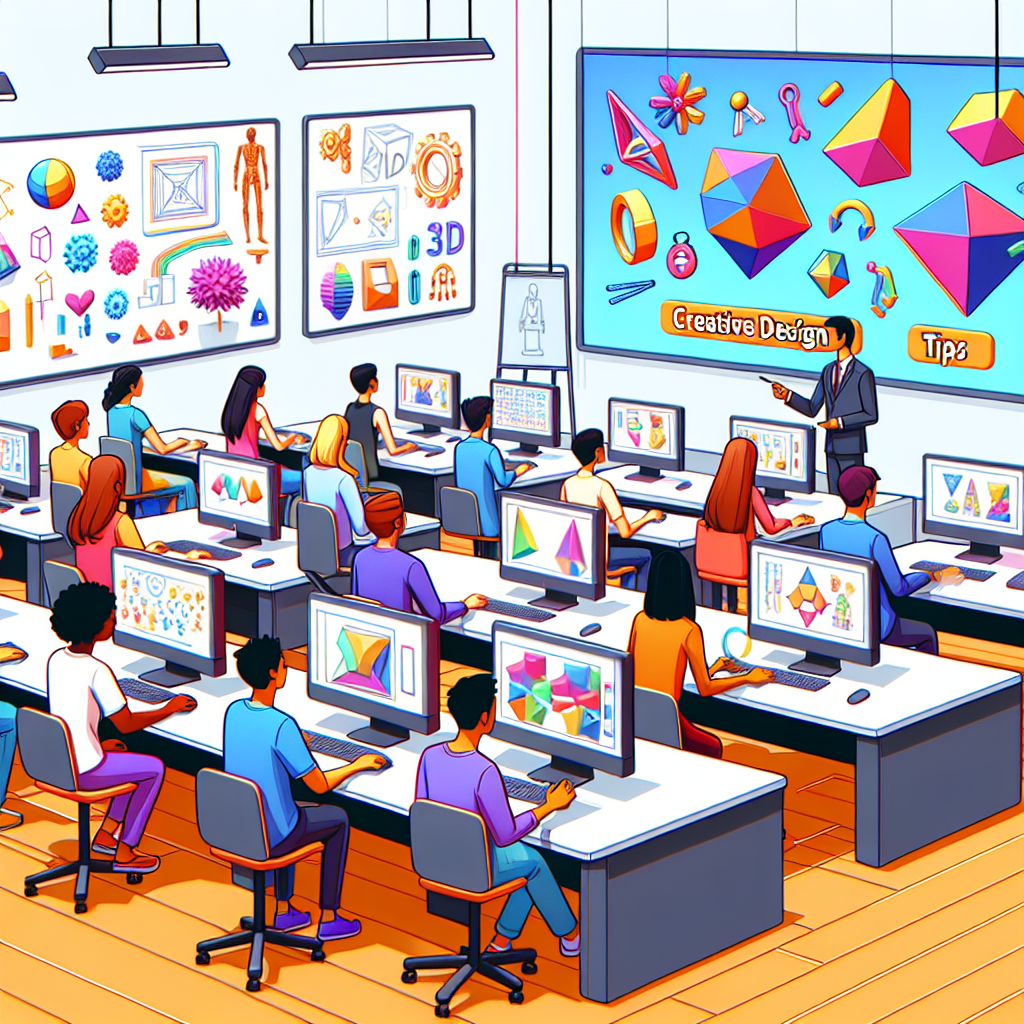
Intro to 3D Design Tips: Your First Steps into the World of Digital Creation
3D design is revolutionizing everything from entertainment and gaming to architecture and product design. If you’re just starting your journey, this comprehensive guide will provide practical intro to 3D design tips to help you build a solid foundation. Whether you’re interested in digital sculpting, CAD modeling, or creating assets for animation, these essential strategies will set you on the path to mastering 3D modeling.

Why 3D Design? The Power of Digital Visualization
3D design empowers creators to visualize concepts, iterate rapidly, and communicate ideas with clarity. From engineering prototypes to vibrant game worlds, the possibilities are endless. Beginners are often drawn to 3D graphics for their versatility and the growing demand for 3D artists in various industries. With modern tools, you can easily bring your imagination to life.
- Visualize complex ideas in three dimensions
- Create interactive digital assets and prototypes
- Collaborate effectively with teams
- Enhance presentations and storytelling
Core Concepts in 3D Modeling
Before diving into software and techniques, familiarize yourself with some fundamental concepts:
- Mesh
- The surface of a 3D object, made up of vertices, edges, and faces.
- Polygon
- A flat shape bounded by straight edges, forming the building blocks of most 3D models.
- Sculpting vs. Modeling
- Sculpting is like digital clay shaping, while modeling is more about precision using geometric tools.
- Textures & Materials
- These add color, detail, and realism to your 3D shapes.
Choosing Your First 3D Design Software
Selecting the right software is critical. Here are popular options for beginners and professionals alike:
- Blender: Free, open-source, and packed with features for modeling, sculpting, and rendering.
- Autodesk Maya: Industry standard for animation and visual effects.
- TinkerCAD: Web-based, beginner-friendly for simple models.
- Fusion 360: Great for engineering and product design.
Tip: Start with one tool and master the basics before exploring advanced features.

Effective Workflow: From Idea to 3D Reality
Every 3D project follows a general workflow. Understanding these steps will streamline your creative process:
- Concept & Reference Gathering: Collect sketches, mood boards, and references to define your vision.
- Blocking Out Forms: Start with basic shapes and proportions before adding detail.
- Refining Geometry: Add edge loops, sculpt details, and ensure clean topology.
- Texturing & Shading: Apply color, materials, and surface details for realism.
- Lighting & Rendering: Set up light sources and render images or animations.
Practical 3D Design Tips for Beginners
- Learn Keyboard Shortcuts: Boost your speed by memorizing essential hotkeys in your chosen software.
- Work Non-Destructively: Use layers, modifiers, and keep backup copies of your files.
- Focus on Topology: Clean geometry ensures models deform correctly in animation and avoid rendering glitches.
- Use Reference Images: Import blueprints or photos to guide shapes and proportions.
- Experiment with Lighting: Lighting transforms the mood and realism of your scene.
- Stay Organized: Use naming conventions and group objects; this helps as scenes become complex.
Avoiding Common Beginner Mistakes
Every new 3D designer faces obstacles. Here’s how to sidestep frequent pitfalls:
- Too Much Detail Too Soon: Block out basic forms before getting lost in tiny details.
- Ignoring Topology: Poor edge flow can ruin animations and shading.
- Neglecting Lighting: Poorly lit renders diminish even the best models.
- Skipping the Planning Stage: Having a clear concept saves time and frustration.
- Forgetting to Save Often: Crashes and mistakes happen—backup your work regularly.

Conclusion
Embarking on your 3D modeling journey opens the door to endless creative possibilities. By following these intro to 3D design tips, you’ll lay a strong foundation in digital art, technical skills, and problem-solving. Remember to practice regularly, learn from mistakes, and stay inspired. Happy modeling!